Usage Logs
Usage logs show whether a request reached Sprelay and which key, model, group, usage, charge, and result were recorded.
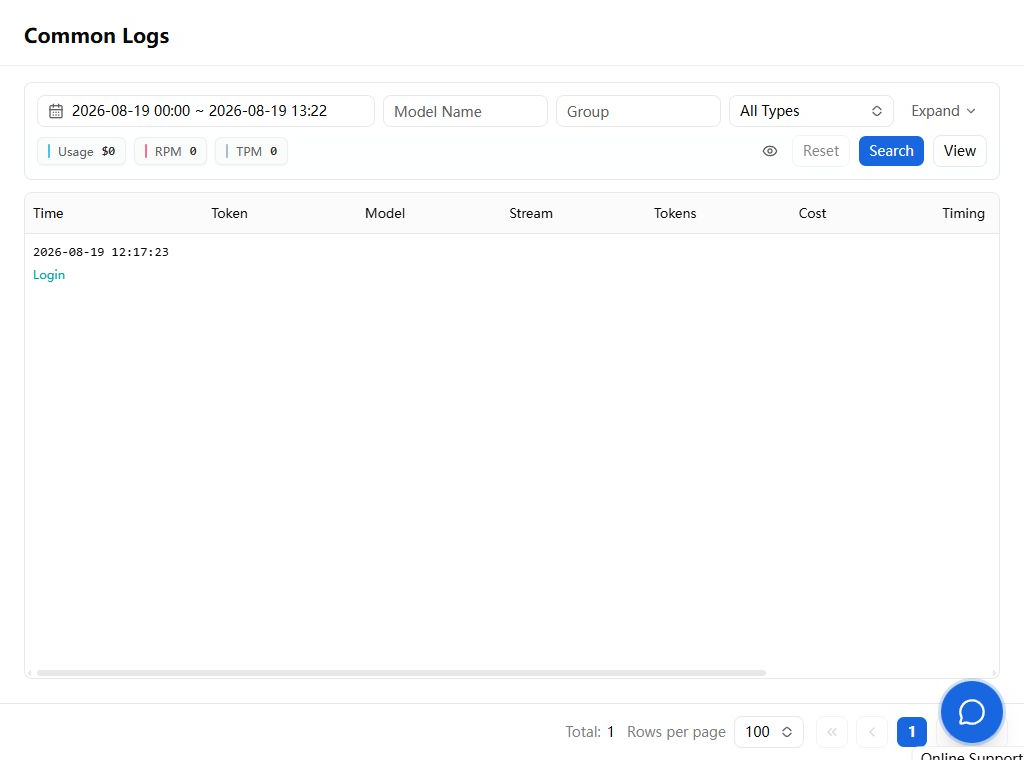
Start with a narrow time range that contains one test request. Check the request time, model ID, key name, group, input/output/cache tokens, charge, status, error, and latency when available.
No matching log
The request likely did not reach Sprelay. Check the actual domain used by the client, DNS, firewall, local proxy, old provider configuration, time zone, and filter range.
A failed log exists
The network path reached the service. Continue by status:
- 401/403: key, quota, permissions, or restrictions
- 404: path, endpoint, model, or protocol
- 429: rate, concurrency, or upstream congestion
- 5xx: request compatibility, route, or temporary upstream failure
If cost is unexpectedly high, disable the risky key first. Then check for retries, agent loops, long history, large tool results, a different model or group, and multiple devices sharing one key.
When sharing a log, keep the time, status, model, and request identifier. Redact full keys, email, user ID, private prompts, and payment data.